
AstroProcess Atlas
Astro image processing guide
Your interactive learning companion for PixInsight
Explore.
Experiment.
Understand.
Turn unfamiliar controls into ideas you can see. Explore annotated interfaces, experiment in hands-on Labs, and go deeper with Beginner and Advanced guides.
Windows V1.0 available · One-time license, no subscription
Mac and iPad versions coming soon to the App Store.
Feature screenshots show the Mac app. Windows uses the same learning content with its own desktop interface.
01 / Interactive Labs
Move a slider.
Follow the change.
Make the connection between a control and the idea behind it.
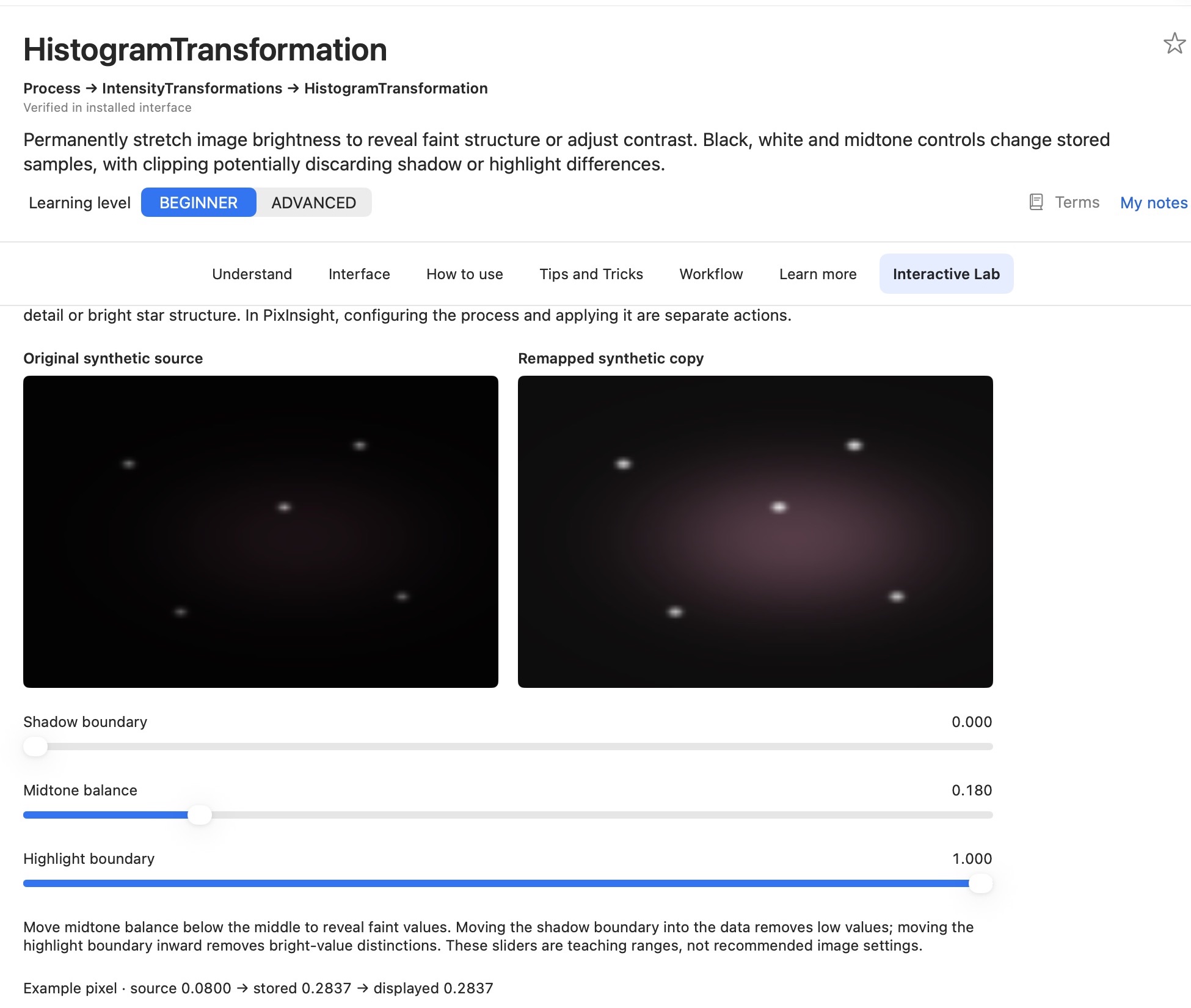
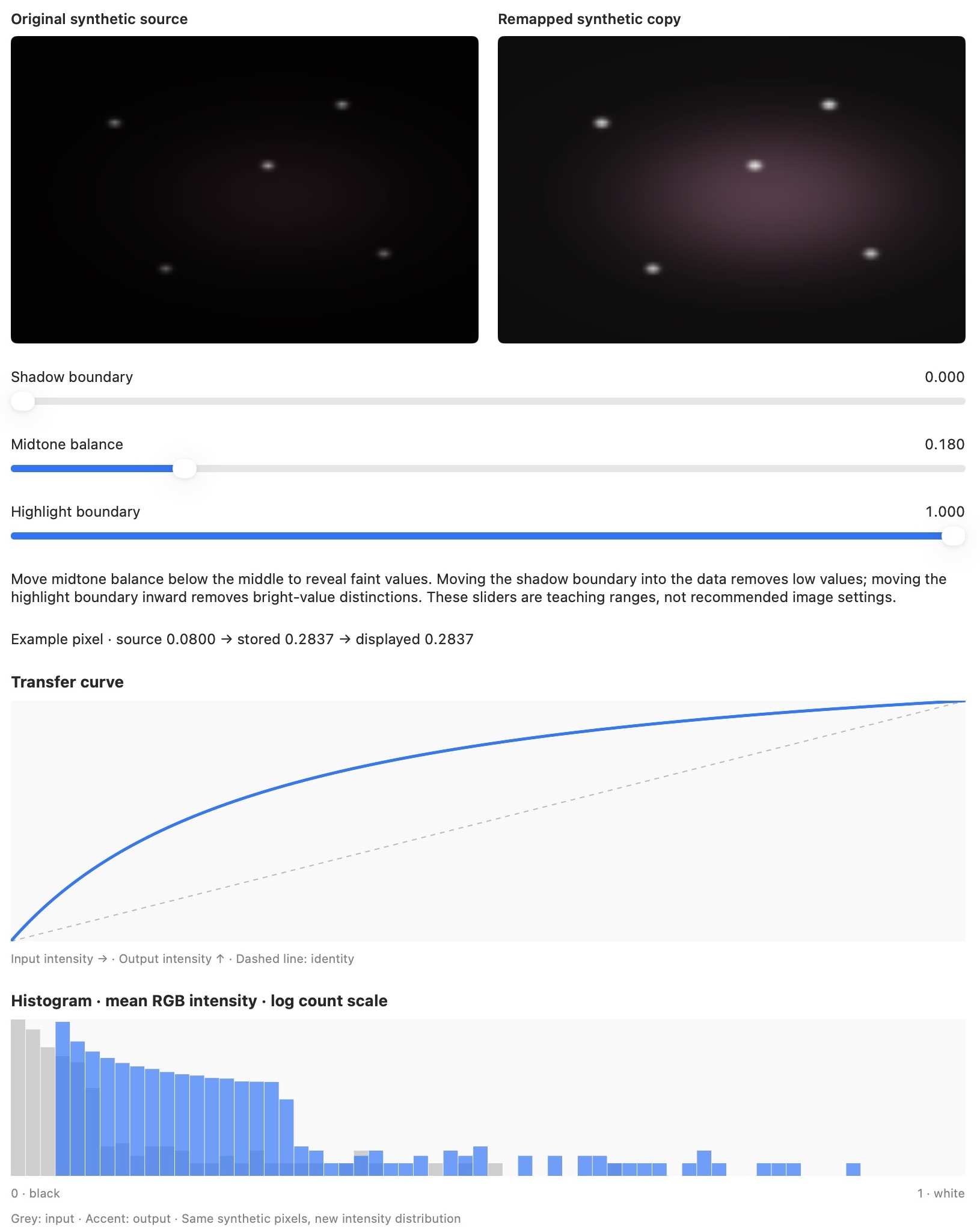
In the HistogramTransformation Lab, move the midtone balance and watch faint structure brighten in a synthetic image. Follow the bend of the transfer curve and the changing histogram.
- AdjustTry shadows, midtones and highlights.
- CompareSee the original and remapped image together.
- ConnectLink the visual change to the curve and pixel feedback.
Labs use illustrative models to make concepts tangible. They don’t run PixInsight or process your photographs.
02 / Interactive interfaces
Find the control.
Understand its role.
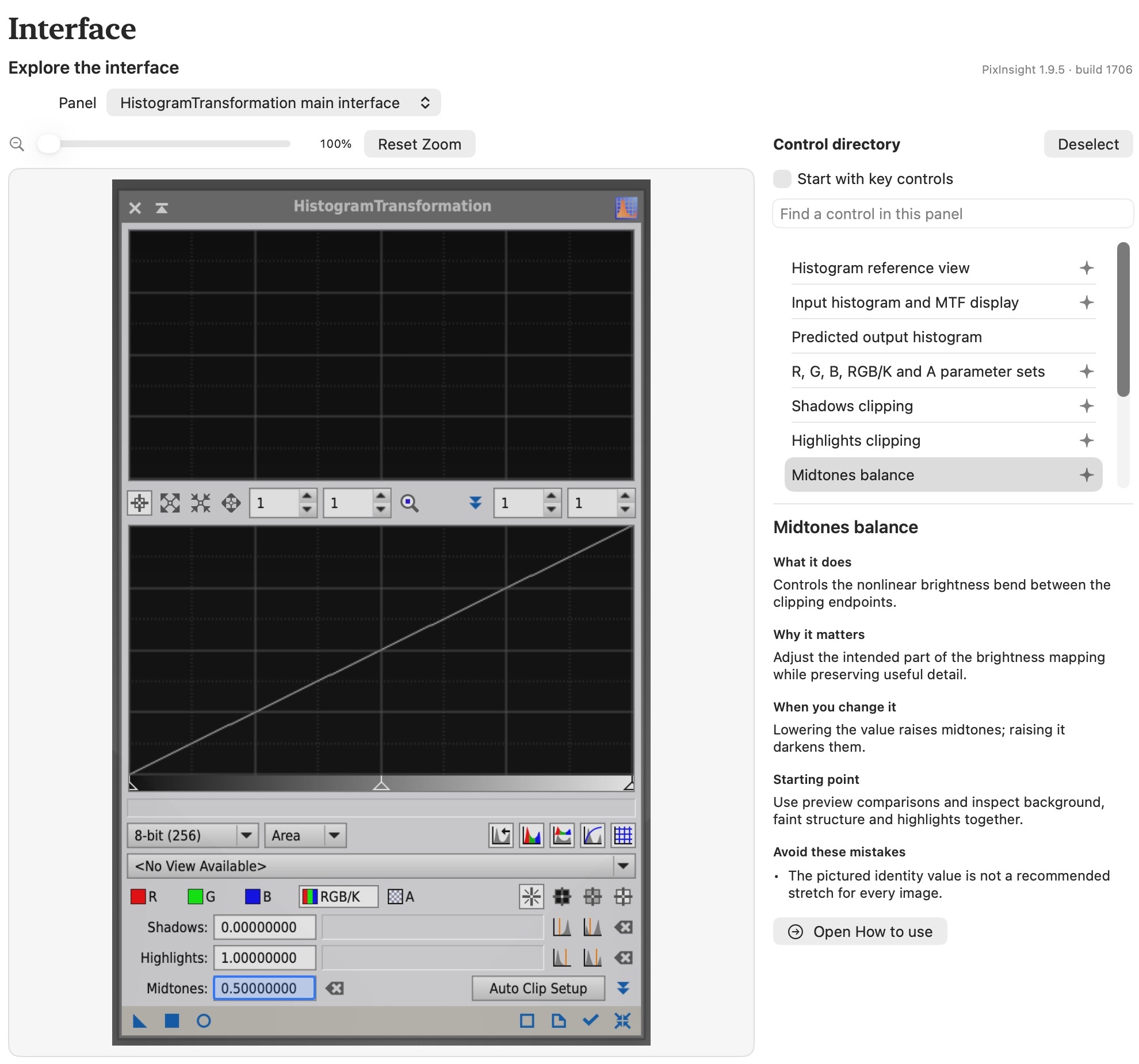
Select an annotation in a captured interface, or choose a control from the searchable directory. Read what it does, why it matters and what to watch when changing it.
Here, selecting Midtones balance connects the highlighted field to its explanation.
03 / Beginner & Advanced
New to the tool?
Start with the why.
You can know PixInsight and still be new to a particular process. Beginner explanations build the idea from the ground up. Advanced material takes you into mechanisms, choices and trade-offs.
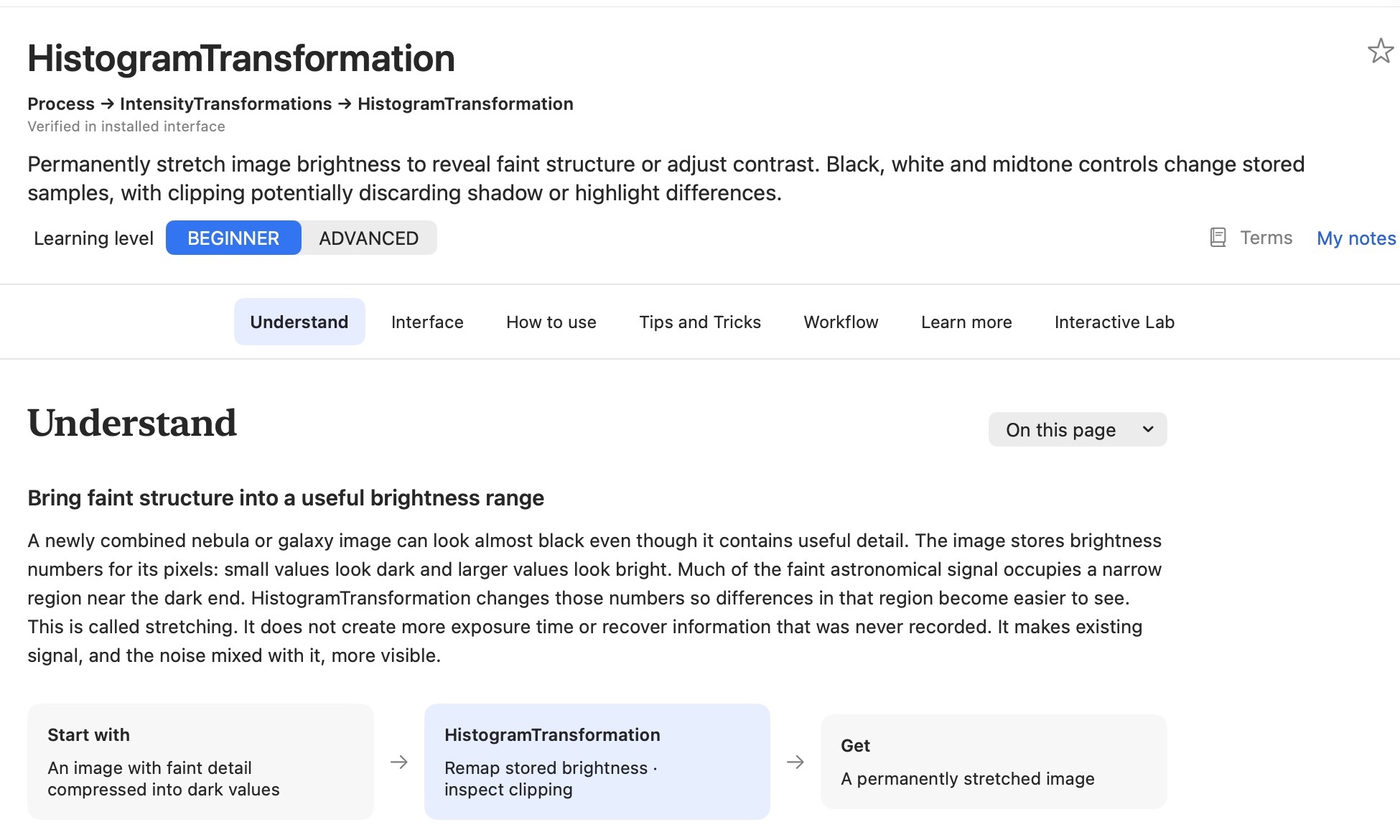
Begin with the purpose. Why does a deep-sky image look dark, and what does stretching actually change?
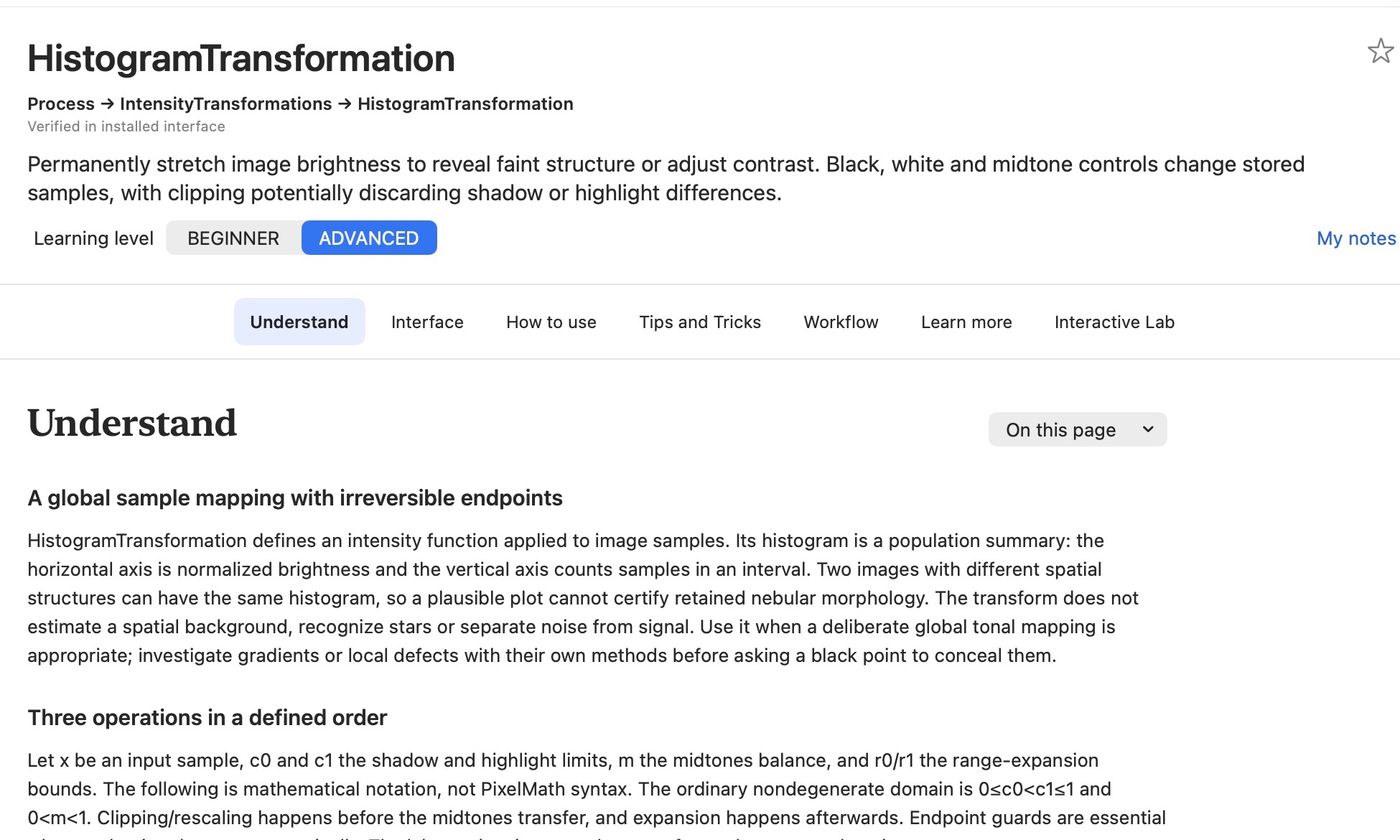
Go further into the mechanism. Explore the mapping, channel choices and consequences of clipping.
Guide depth and interface coverage vary by tool. Follow detailed guides where available and use reference entries to explore further.
04 / Beside your workflow
Keep useful knowledge close.
Find the tool. Save the thought. Pick up where you left off.

Find your next step
Search by tool, alias or problem. Browse processes and scripts, then follow the learning material relevant to your task.
Make it your reference
Star useful entries and keep your own notes beside a tool. Return to favourites and recently viewed entries when you need them.
Learn wherever you are
Bundled learning content works offline. Notes and favourites stay on your device; external references open online in your browser.
AstroProcess Atlas
A clearer idea.
A more thoughtful next step.
Explore an interface. Try an experiment. Read the explanation that makes the concept click.
Mac and iPad versions coming soon to the App Store.
Take a closer lookWindows V1.0 is available below.
macOS 14 Sonoma or later · Apple Silicon & Intel
App and learning content in English. No Atlas account required.
Windows · Version 1.0
Download Atlas.
Activate once. Keep learning.
A one-time personal Windows license for CHF 10.
Free download · License required to open the app · Three activations · No subscription
Windows 11, x64 (Intel or AMD). ZIP download: 304.4 MB. Extract the entire archive, then open Atlas.Windows.exe. No separate .NET installation or administrator access is needed.
Activate online, then continue using Atlas offline without recurring internet checks. Transfers and reinstall recovery use seller-assisted activation management. Removing a local activation does not automatically release a counted activation.
The launch price is CHF 10 for V1.0. The selling price will rise to CHF 20 with V1.1. Taxes, if applicable, are shown at checkout. Future major-version upgrade terms remain undecided. Windows purchases are separate from Mac and iPad purchases. Mac and iPad versions coming soon to the App Store.
This Windows build is unsigned. If Windows prevents launch, contact support with the displayed message rather than changing security settings. Download SHA-256 checksum · Windows privacy and activation
Support
Questions about Atlas?
Contact Sascha Wyss at astroprocessatlas@viewintospace.com.
For help with a problem, include your Windows or macOS version, Atlas version and a short description. If a screenshot helps, remove personal information first. Never send passwords or private keys.
Privacy Policy
All View into Space apps
AstroProcess Atlas is an independent educational companion. It is not an official PixInsight product and is not endorsed by PixInsight’s publisher. It does not control PixInsight, run its scripts or process your images.